Balance and payments
What it is for: Balance shows how much you have to spend, how much a usual check costs, the price list, packages and top-ups, and the history of your spending. All amounts are in USD. Prices in detail: Balance and pricing.
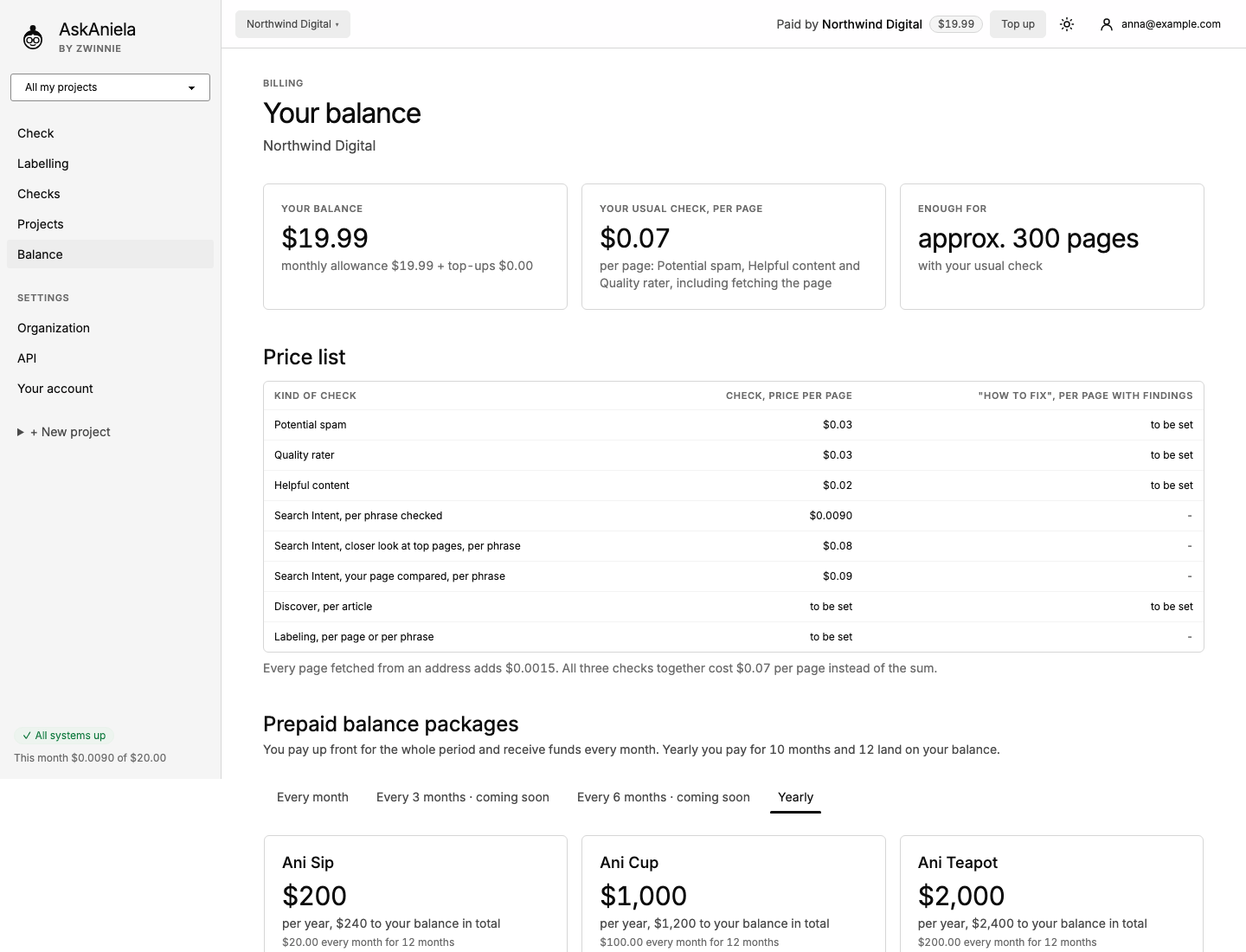
Reading the page
- Click Balance in the sidebar (or Top up in the top bar).
- The three tiles at the top:
- Your balance - the monthly allowance plus top-ups;
- Your usual check, per page - the three audit types together, including fetching the page;
- Enough for - roughly how many pages your balance covers.
- Price list - price per page or phrase for each kind of check.
- Prepaid balance packages - Ani Sip, Ani Cup and Ani Teapot, paid up front; funds land on your balance every month.
- Top up your balance - pick $20, $50 or $100. The service fee is shown before you pay.
- History - the monthly allowance, checks taken from it and top-ups, with the total.
Top up
- Choose the amount.
- Tick that you want the service delivered before the withdrawal period ends (What this means explains it).
- Click Top up - you pay $…. You go to a secure card payment page and come back to Balance.
While card payments are being set up, the button says so; write to us and we top up your balance by hand. The balance is meant for checks, so it has an upper limit; the page shows how much more you can add.
Invoices
Invoices and payment details are under Organization - Invoices and payments.
Common questions
What is used first, the monthly allowance or a top-up? The monthly allowance; top-ups are used after it and stay valid for 12 months.
Do failed checks cost money? No. Errors and pages Ani cannot open are not charged.
Where do I see what a check will cost? Always in the Summary before you start, for example on the Check screen.