Reporting wrong results
What it is for: Ani can be wrong. Telling us about a wrong result is the most useful feedback, especially during the beta. There are two ways: Wrong? for one finding and Report a problem for a whole report.
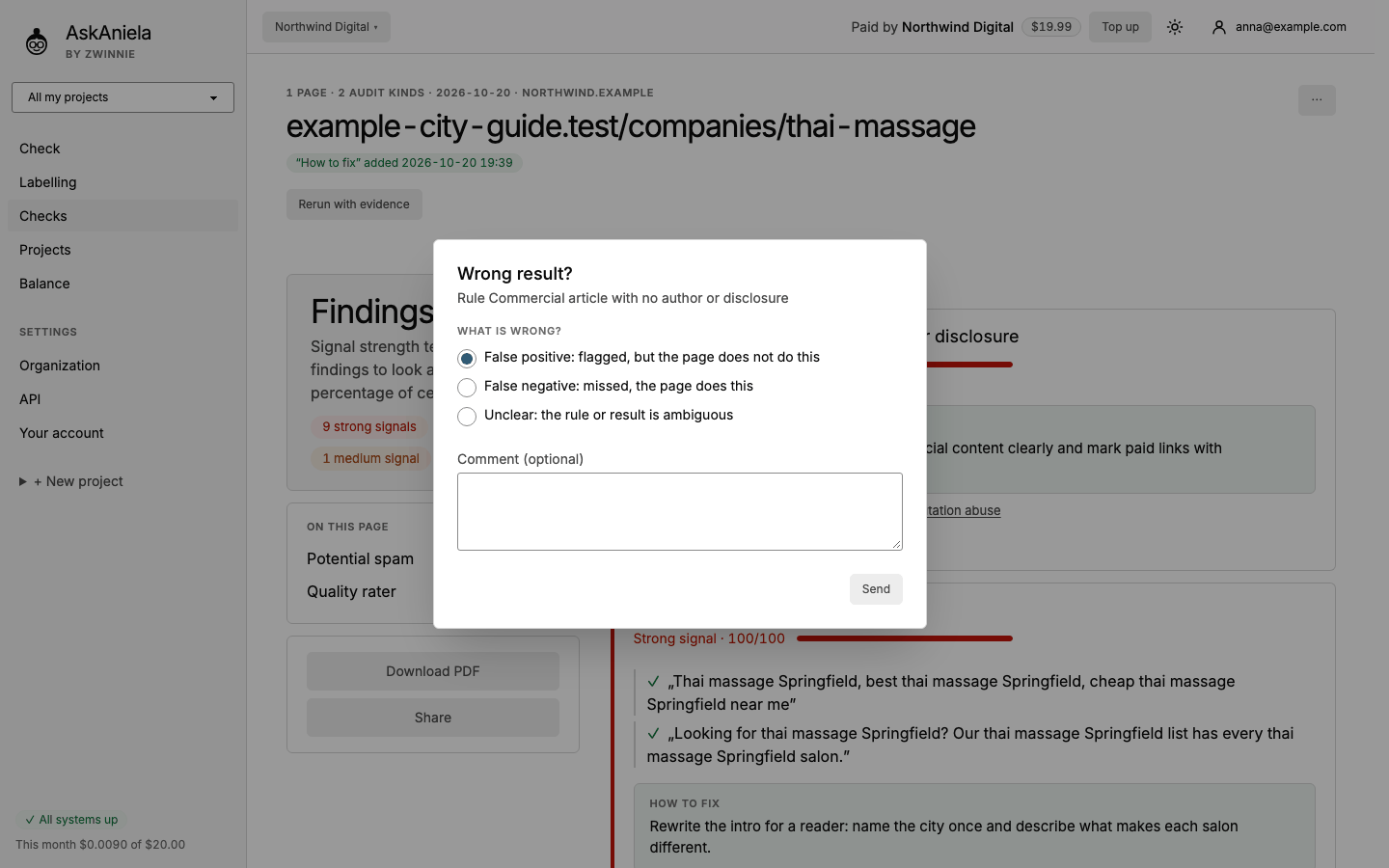
One finding: Wrong?
- In a page report, click Wrong? under the finding.
- Choose what is wrong:
- False positive - flagged, but the page does not do this;
- False negative - missed, the page does this;
- Unclear - the rule or result is ambiguous.
- Add a comment if you can (what is on the page, why it is wrong) and click Send.
The whole report: Report a problem
Open ⋯ at the top right of a page report and choose Report a problem when something is wrong with the report as a whole (for example the page was not read correctly). Describe it and click Send. We see which report and which versions it was, so you do not need to add technical details.
Common questions
Does reporting change my report? No. The report stays as it is. We use reports to improve the rules.
Does it cost anything? No.
What about ideas or bugs in the app? Reply to your invitation e-mail or write to the contact you got from us.