Signing in
What it is for: the sign-in page lets you into the app. You can sign in three ways: with your e-mail and password, with a one-time link sent to your e-mail, or with your Google account.
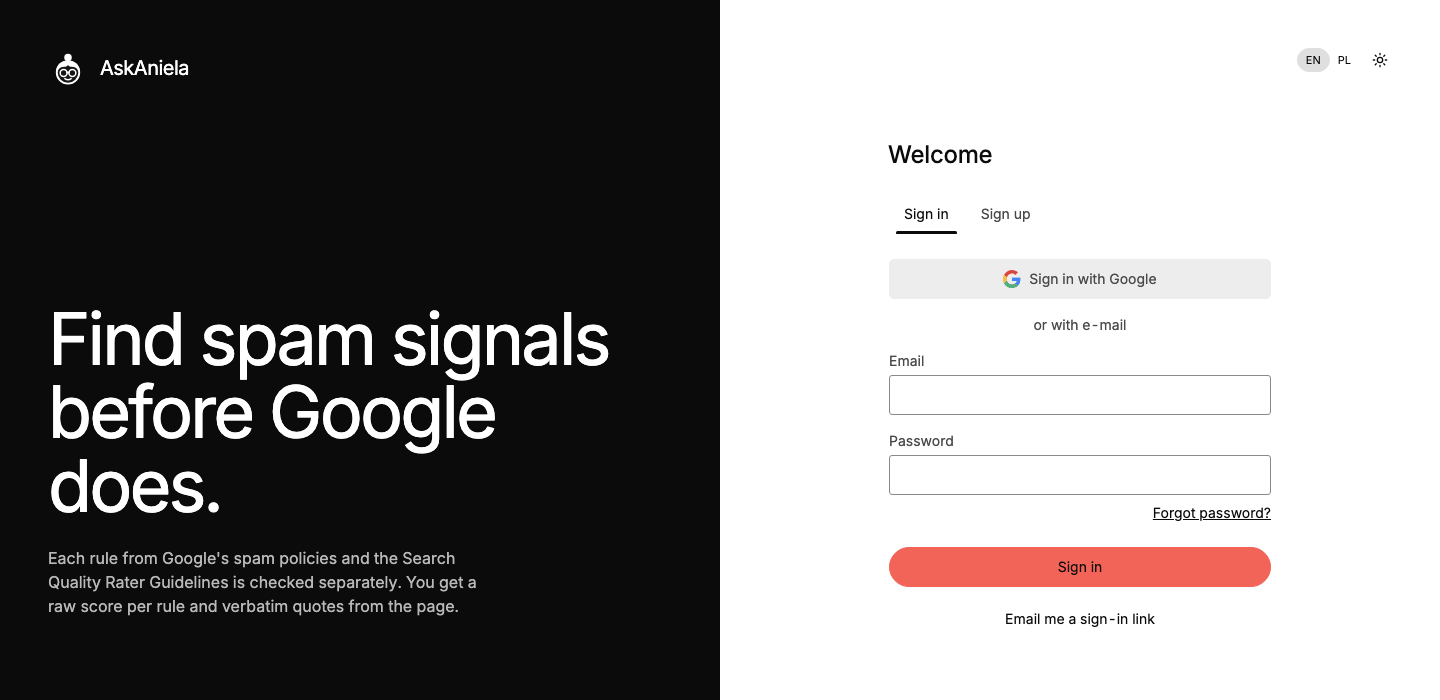
E-mail and password
- Open the app and stay on the Sign in tab.
- Enter your Email and Password, then click Sign in.
- If you turned on two-step sign-in, enter the 6-digit code from your e-mail (or use your security key or authenticator app). Tick Trust this device for 30 days if this is your own computer.
Forgot your password? Click Forgot password?, enter your e-mail and follow the link in the message.
Sign-in link from e-mail
- Enter your Email and click Email me a sign-in link.
- Open the message and click the link in the same browser where you asked for it.
- Click the button on the page that opens. You are signed in.
The link works once and for 15 minutes. A new link cancels the previous one.
Google
- Click Sign in with Google and choose your Google account.
- If an AskAniela account with the same e-mail already exists, enter its password once to connect Google to it. Next time Google alone is enough.
During the closed beta a new account is created only from an invitation (see the beta tester guide). With Sign up with Google use the Google account with the address the invitation came to.
Common questions
The sign-in link says to open it in the same browser. For your safety the link works only in the browser where you asked for it. Ask for a new link there, or copy the link into that browser.
I signed up with Google and now want a password. Use Forgot password? on the sign-in page and set one.
I did not get an e-mail. Check spam. You can ask for a new link after a moment; there is a limit of a few messages in 15 minutes.